Webflow for marketing teams: autonomy without losing brand control
“We want to update the website ourselves.” Fair — but not enough: someone must decide what can change, what stays fixed, and how the brand survives when the publisher did not design the site. Here is how we set that balance, and what to ask of whoever builds yours.
- Topic
- Webflow
- Read
- 6 min
- Author
- Stefano Fresch
- Updated
- Learn more
- Webflow Development ↗
Key points.
- 01
Webflow creates autonomy only when components, CMS and rules are designed first.
- 02
Brand governance should live inside components.
- 03
SEO and performance remain system responsibilities.
01
Components before pages
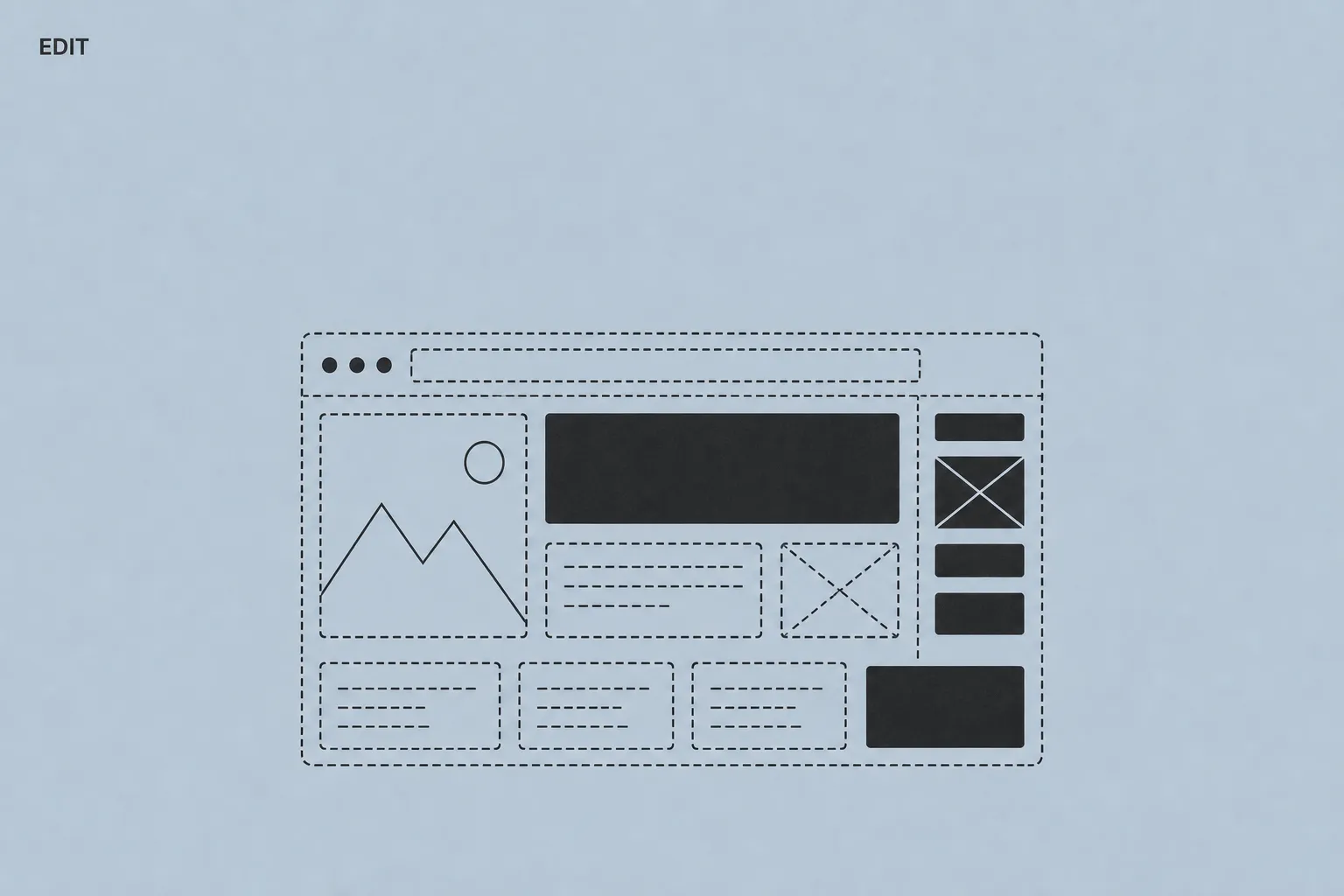
The first shift in perspective: stop thinking in pages and start thinking in components. A marketing team works better composing content from designed sections — hero, services, testimonials, FAQs, project cards, CTAs — instead of starting from a blank canvas every time.
In Webflow that means components with editable properties: you change title, text and image; spacing, hierarchy and responsive behaviour stay as designed. The practical result: a campaign landing page gets assembled in an hour instead of rebuilt from scratch in two days.
There is also a less visible, longer-lasting benefit: the site grows without accumulating pages that all look different, because every new page starts from a shared language. It is the difference between a designed Webflow site and a merely assembled one — and a year in, you can tell at a glance.
Check yourself
- 01Can a new landing page be assembled from ready sections in a few hours?
- 02Do hero, testimonials, FAQ and CTA exist as reusable components?
- 03Do components and classes have names marketing can understand?
02
What we make editable (and what we don't)
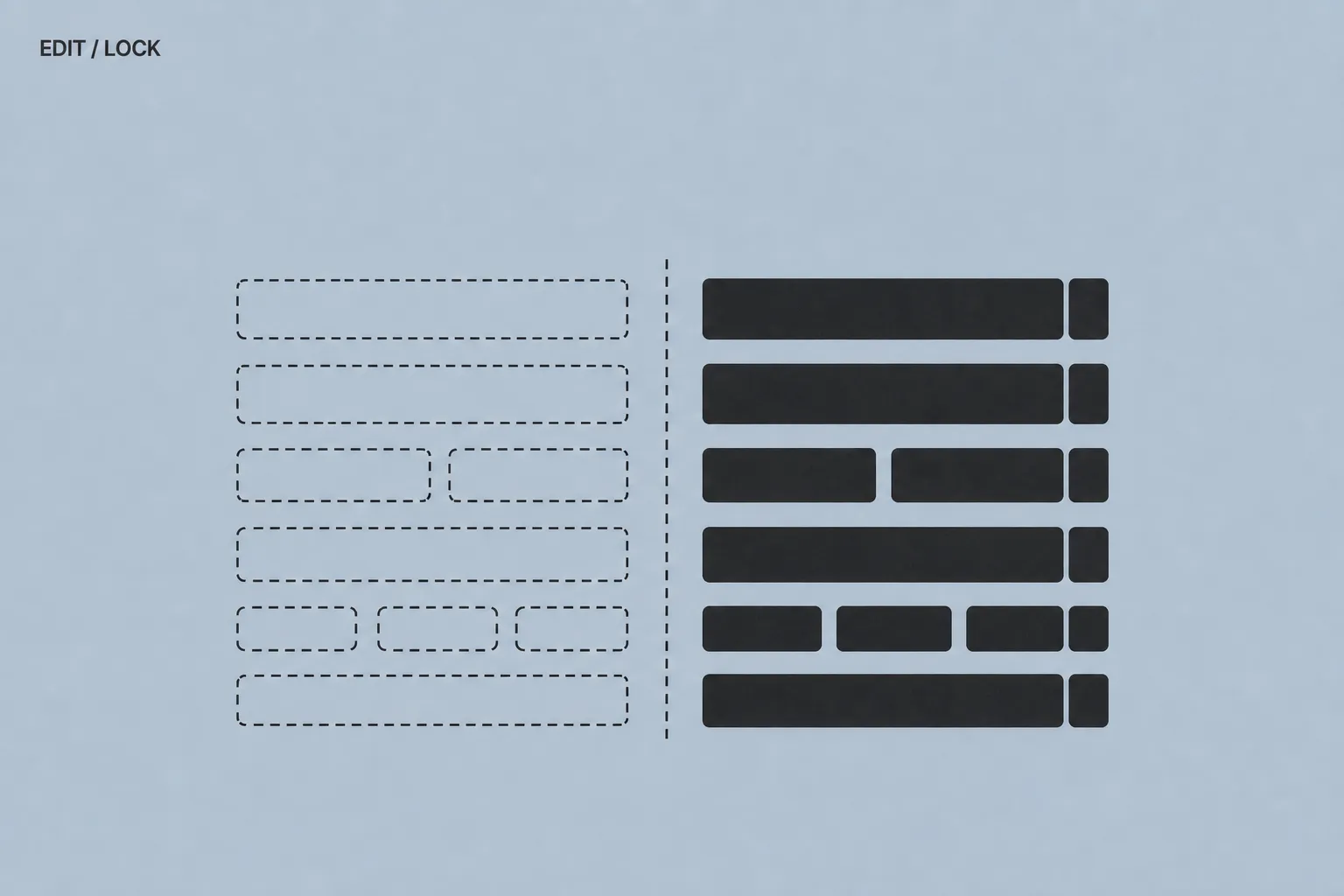
Components, fine — but who decides where the line goes? Here is the one we draw, which you can use as a reference. Editable by the team: text, images, CMS items (case studies, articles, FAQs, people), CMS page metadata, section order on landing pages.
Not editable: global styles — colour, type, spacing — template structure, core components, technical SEO settings such as canonicals and structured data, custom code.
Don't read that list as rigidity: it is what lets you move fast without the fear of breaking something. When everything is editable, every publish becomes a design decision — and rushed design decisions accumulate like debt.
Check yourself
- 01Is it written down what the team can touch and what it cannot?
- 02Can text, images and CMS content be updated without breaking anything?
- 03Has the team practised on the real site, not on dummy examples?
03
The brand lives in constraints
That line protects something specific: your brand. Colour, type and hierarchy should not be decisions repeated at every publish — they get decided once, embedded in components, and respected everywhere.
The right tools in Webflow are variables and global styles: when the brand evolves, one variable updates and the whole site follows. The alternative — every page with its own values — turns any brand evolution into a maintenance project. The topic deserves its own guide: brand identity and website.
The end state is this: the team updates messages and content, the system keeps things coherent. Consistency stops depending on people's discipline and becomes a property of the site.
Check yourself
- 01Do colours, type and spacing live in global variables, not in single pages?
- 02If the brand evolves, does updating one variable update everything?
- 03Do images follow defined patterns, not the taste of the moment?
04
SEO and performance need governance
One last question remains — the one nobody asks: what happens to SEO when marketing publishes? If the system is set up well, nothing. Every template handles titles, descriptions, canonicals, headings and structured data; in Webflow, SEO fields compose themselves from collection fields.
The same goes for performance: whoever uploads a 4 MB image must not be able to hurt the site's Core Web Vitals. Sizes, formats and compression are handled at system level, not by goodwill.
That is why development, CMS and technical SEO are designed together, not in separate phases. Before every launch we run a technical SEO checklist on every template — so the autonomy you gained in this guide is not paid for in rankings.
Check yourself
- 01Do titles and descriptions compose themselves on CMS templates?
- 02Can a heavy image uploaded by the team slow the site down, or does the system handle it?
- 03Does the structured data describe what the page actually shows?
How to apply this to your site.
Where to start
- Build reusable sections for the parts that repeat: hero, proof, FAQ and CTA.
- Lock critical visual choices: colour, typography and spacing.
- Prepare CMS templates with SEO fields already in place.
Mistakes to avoid
- Do not rebuild landing pages from scratch every time: compose them from ready sections.
- Do not duplicate components for tiny variations: use variants.
- Do not leave layout and hierarchy decisions to the person writing the copy.
FAQ.
Can marketing create landing pages alone?
Yes, if the design system and CMS were designed for that workflow. With composable components, a campaign landing page takes hours, not days, while keeping brand and technical SEO intact.
Does Webflow replace developers?
It reduces dependency for recurring changes, but the initial structure and complex development still need specialist work — at the start and for evolutions, not for every text change.
How much does maintaining a Webflow site cost?
Webflow hosting for a company site with CMS is roughly 20–40 dollars per month. Routine technical maintenance is close to zero: no plugins to update, no backups to manage, no security patches.
Does the team need training?
For content editing through the CMS, a couple of hours of onboarding is enough — done on the real site with the team's real content, not on generic examples.
Bring it to your website.
These resources reflect how we work. If this topic touches your website, tell us where you are: a 30-minute call is enough to see if and how we can help.
Keep reading.
- ↗
 Company CMSCMS for companies: what marketing teams really needHow to evaluate a company CMS when the website has to stay manageable, brand-consistent and useful for marketing teams. With a practical starting model.↗
 - ↗
 Technical SEOTechnical SEO for Webflow: pre-launch checklistTechnical SEO checklist for Webflow sites: metadata, canonicals, sitemap, redirects, images, performance, structured data — and where each setting lives.↗
 - ↗
 BrandBrand identity and website: why they should not live separatelyWhy brand identity and website should be designed together: an operational visual system, components, microcopy and consistency you can see.↗