CMS for companies: what marketing teams really need
You know both scenarios: the update stuck for a week waiting for a developer, or the site unrecognisable after six months of free editing. A good company CMS prevents both: what it must allow, where the autonomy line belongs, and which model to start from.
- Topic
- Company CMS
- Read
- 6 min
- Author
- Stefano Fresch
- Updated
- Learn more
- Webflow Development ↗
Key points.
- 01
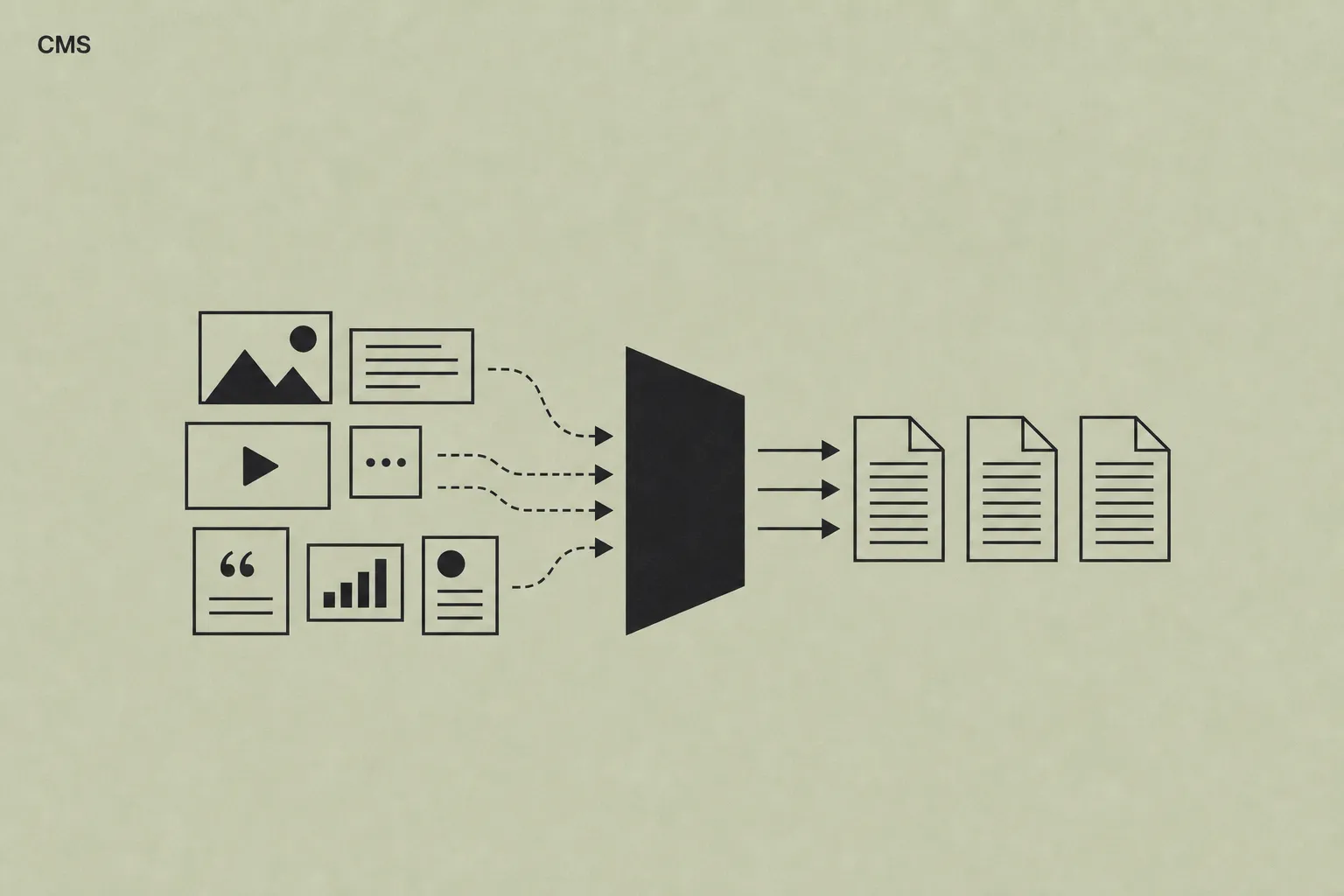
A CMS should model recurring content, not just make static pages editable.
- 02
Marketing autonomy works only when layout, SEO and brand rules stay protected.
- 03
Fields, templates and publishing roles should come before platform selection.
01
The CMS should protect structure
Let's start with a counterintuitive idea: the value of a CMS is not in how much it lets you edit, but in how much it stops you from breaking. A good CMS never leaves the team facing a blank page: it defines collections, fields and templates — services, case studies, articles, people — so every piece of content has a place and a shape.
What does that mean in practice? When the team publishes a new case study, they do not decide layout, image sizes or CTA position. They fill fields — client, industry, challenge, result — and get a page consistent with all the others. The template does the work, every time.
Sounds obvious? In the sites we analyse before a migration we almost always find the opposite: dozens of hand-built pages, each with different headings, metadata and layout. The team published fast, but outside any system — and the site showed it.
Check yourself
- 01Does every content type have its own collection and template?
- 02Do required fields prevent publishing incomplete pages?
- 03Does new content come out already designed, with no layout decisions?
02
Autonomy needs rules
If the structure is protected, how much freedom is left for the team? More than you actually need. In our experience, over 90% of post-launch change requests are content: a price, a photo, an FAQ, a case study. That is where autonomy must be guaranteed — no ticket for a routine change.
The remaining 10% — layout, components, canonicals, structured data — is where changes do damage. And this is where everything is decided: if daily changes go through a developer, the site is a bottleneck; if the team can also touch the critical part, the site degrades within months. The line belongs exactly in between.
It is the same logic as a design system: freedom on content, constraints on form. Don't read it as a limitation on the team — it is what lets them publish fast without the fear of breaking something.
Check yourself
- 01Can the team fix a text or a photo without opening a ticket?
- 02Are layout, components and technical SEO protected from accidental changes?
- 03Is it decided who writes, who reviews and who publishes — by name?
03
Evaluate workflow before platform
At this point the question becomes concrete: how do you know what you need? Don't start from the platform. Start from how your team works: who publishes, how often, which pages change, which content must stay consistent.
There is a ten-minute test worth more than any demo: list the last ten changes made to the site (or requested and never delivered). If nearly all are content, you need a well-modelled CMS more than a powerful platform. If half are new features, the conversation changes — read the WordPress vs Webflow comparison first.
That test tells you something else too: if the website supports sales, content and campaigns, the CMS is not an accessory panel. It is editorial infrastructure, and deserves to be designed like one.
Check yourself
- 01Do you know which content changes monthly and which once a year?
- 02Do you know which pages bring enquiries, not just visits?
- 03Have you listed the last ten changes requested on the site?
04
A starting model that works
Let's close with something you can use right away. For a B2B company website, the model we use most often has five or six collections: Services, Case studies, Guides, FAQs, People and — when campaigns matter — Landing pages. Every collection carries required SEO fields (title, description, social image) and reference fields: a case study links to a service, a guide links to a case study.
The references are the part that pays off over time: every new service page shows its relevant cases and guides on its own, with no manual work. That network of links is also one of the healthiest internal SEO signals a site can have.
Adapt the model to how your company sells, but start here: you will avoid the most expensive mistake we see — discovering six months in that the content that matters has nowhere to live. And if the update stuck for a week sounded familiar, you now know where to begin so it doesn't happen again.

Check yourself
- 01Does a new case study link itself to the service it belongs to?
- 02Does every collection have required SEO fields: title, description, social image?
- 03Is there already a home for the content you will publish in six months?
How to apply this to your site.
Where to start
- List the content your team changes most often: that is the basis of the CMS model.
- Define collections and required fields before choosing the platform.
- Decide who can publish, who reviews and who can touch templates.
Mistakes to avoid
- Do not give everyone an unconstrained editor: every publish becomes a risk.
- Do not duplicate a page for every campaign: use templates and collections.
- Do not choose the CMS before understanding how your team really works.
FAQ.
Does a small company website need a CMS?
Yes, when content changes often or when marketing needs to publish without depending on development. A 15-page site with regularly updated case studies benefits more from a CMS than a 50-page static site.
Is Webflow suitable for marketing teams?
Yes, when collections and templates are designed around real publishing workflows. An improvised Webflow CMS creates the same problems as an improvised WordPress.
How long does it take to structure a company CMS?
Content modelling typically takes one to two weeks inside a full website project: workflow interviews, collection and field definition, templates and publishing tests with the team.
Who should define the CMS structure: marketing or development?
Both. Marketing knows the content and publishing rhythm; development knows technical and SEO constraints. A CMS defined by only one side tends to fail on the other.
Bring it to your website.
These resources reflect how we work. If this topic touches your website, tell us where you are: a 30-minute call is enough to see if and how we can help.
Keep reading.
- ↗
 WebflowWebflow for marketing teams: autonomy without losing brand controlHow Webflow can give marketing teams autonomy while preserving brand consistency, performance and site governance. What to make editable — and what not.↗
 - ↗
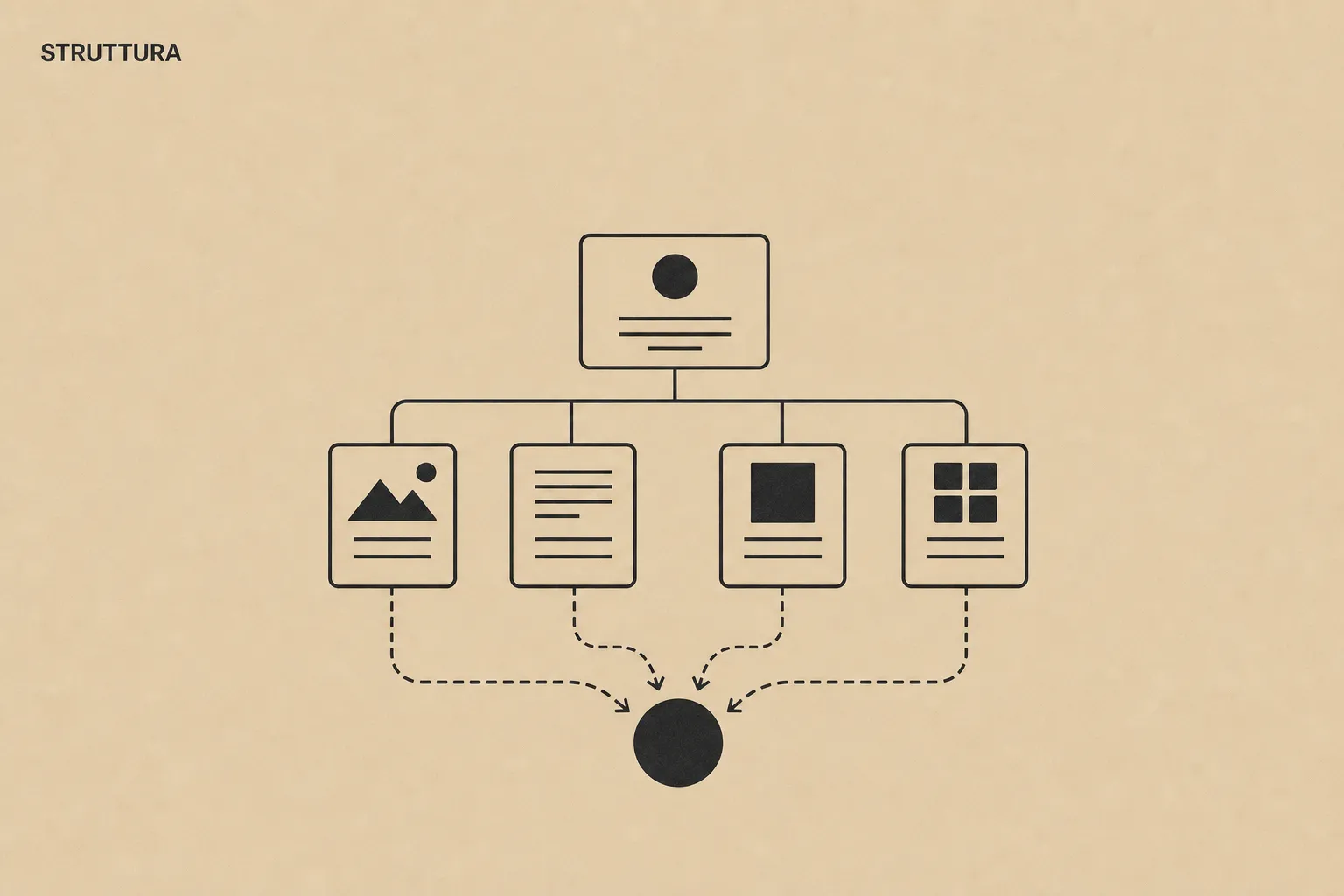 Company websiteModern company website: structure, CMS, brand and SEOWhat makes a company website useful: clear architecture, manageable CMS, coherent brand and a solid technical SEO base. With practical signs it is time for a redesign.↗
 - ↗
 WordPress and WebflowWordPress or Webflow for a company website?A practical comparison between WordPress and Webflow for company websites: maintenance, real costs, marketing teams, CMS, security and performance.↗