WordPress alternatives: what to choose for a company website
“What do we rebuild it with, if not WordPress?” A frequent, fair question: maintenance, plugins and editorial friction have a cost, and lighter options now exist. In this guide we compare the alternatives honestly, case by case: by the end you will know which path is yours.
- Topic
- WordPress and Webflow
- Read
- 7 min
- Author
- Stefano Fresch
- Updated
- Learn more
- Webflow Development ↗
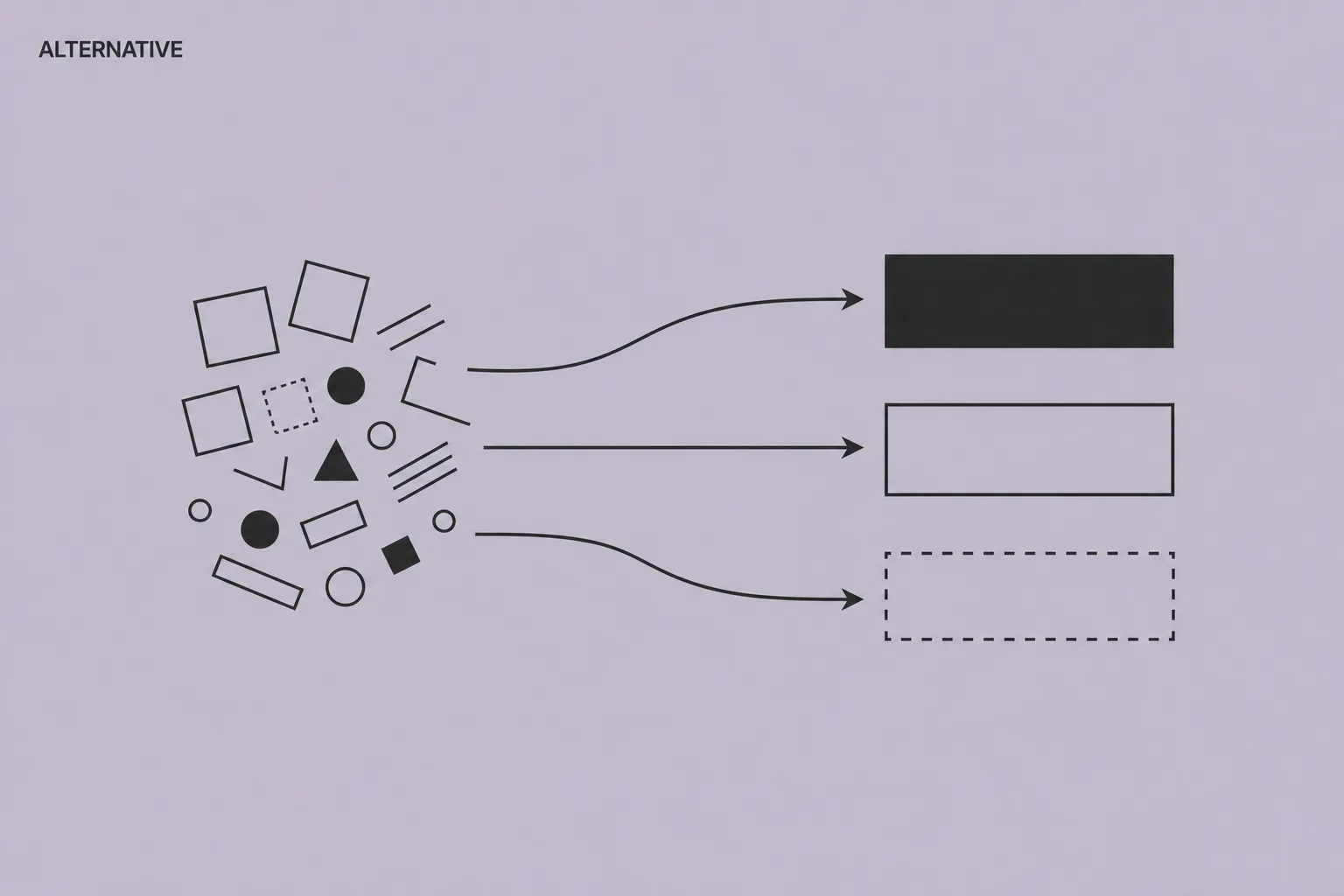
Key points.
- 01
The right alternative depends on who updates the site, not on the platform of the moment.
- 02
For marketing-led sites, Webflow is the most complete alternative; Framer the fastest.
- 03
Whatever the choice, leaving WordPress needs a URL map and 301 redirects.
01
Why companies look for an alternative
Before looking at the alternatives, it is worth naming the problem. The three reasons we hear most: maintenance — core, theme and plugin updates, backups and security to own, or a contract that covers them. Editorial friction — the team wants to update a page and runs into a fragile page builder or a theme nobody dares touch anymore. And performance — after years of stacked plugins, the site is slow and no single fix solves it.
None of this is WordPress's fault as such: it is the typical accumulation of an open ecosystem used without governance. But when the website is mostly marketing — services, case studies, content, landing pages — paying that operating cost for flexibility you never use stops making sense.
If instead the site depends on specific plugins, deep custom logic or complex editorial workflows, WordPress remains a rational choice. We made the direct comparison in WordPress or Webflow.
Check yourself
- 01How many hours a month does the site cost you, between maintenance and waiting?
- 02How many changes are stuck waiting for a developer?
- 03Do your critical plugins have an equivalent on the alternatives?
02
The visual alternatives: Webflow, Framer, Squarespace
Webflow is the alternative we recommend most often for B2B company websites: free-form design (not template-driven), a CMS modelled on real content, managed CDN hosting and near-zero routine maintenance. Marketing updates content and landing pages autonomously; structure, brand and technical SEO stay protected. It is the platform we work on, and we recommend it when the website is a marketing asset, not an application.
Framer is the youngest and fastest option: excellent for landing pages and design-first sites, native animations, instant publishing. Its CMS is simpler than Webflow's — a limit for articulated content architectures, often an advantage for a startup that needs to ship this week.
Squarespace and Wix cover a different case: simple sites, tight budget, no need for custom design. They work within their templates; the limit appears when you need CMS structure, fine-grained SEO or a brand that does not look like everyone else's.
Check yourself
- 01Would your content fit a well-modelled visual CMS?
- 02Do you need custom design, or is a good template enough?
- 03Who will actually publish: marketing, development or nobody?
03
The code alternatives: Next.js, Astro and headless CMS
If there is a development team in-house, the code route — Next.js or Astro on the front end, a headless CMS like Sanity, Storyblok or Payload for content — offers maximum performance and flexibility. No platform constraints, custom components, full product integration.
The cost is dependency on development: every site evolution goes through a deploy, and marketing autonomy depends entirely on how well the headless CMS was modelled. Without a stable internal team, this route turns the website into a permanent software project.
It is the right choice for product companies where the website is part of the product. For a marketing-led company site without in-house developers, it is almost always oversized.
Check yourself
- 01Do you have a development team that can own the site continuously?
- 02Does the site need deep integration with the product or internal systems?
- 03Is there budget for ongoing maintenance, not just for launch?
04
How to choose: the platform is not the right question
You have seen the three paths: visual, code, simplicity. To choose, the right question is not “which platform is best” but: who will update the website, and how often? If the answer is “marketing, every week”, you need a visual platform with a well-modelled CMS — Webflow first, as we cover in the company CMS guide. If it is “developers, inside the product cycle”, code with a headless CMS is coherent. If it is “almost never”, Squarespace may be enough.
Second criterion: budget over three years, not over the quote. Cheap WordPress at launch plus recurring maintenance, or a platform with a monthly fee and a more crafted initial project: over three years the totals are similar; what changes is where the money goes — into upkeep or into evolution.
Last, non-negotiable: whichever path you recognised as yours, leaving WordPress needs a URL map and 301 redirects, or years of rankings disappear in the switch. The full procedure is in our SEO migration guide. “What do we rebuild it with?” — you now have the answer, and the way to get there without losing what you have built.
Check yourself
- 01Have you compared three-year costs, not initial quotes?
- 02Is there a URL map with redirects for the switch?
- 03Who checks SEO in the weeks after the migration?
How to apply this to your site.
Where to start
- List who publishes, what they update and how often.
- Calculate what the site costs today in maintenance, waiting time and internal hours.
- Verify which plugins and integrations are truly essential to how your team works.
Mistakes to avoid
- Do not choose the platform before understanding the team's workflow.
- Do not compare only initial quotes: look at the three-year cost.
- Do not leave WordPress without a tested URL map and redirects.
FAQ.
What is the best WordPress alternative for a company website?
For marketing-led sites with a team that publishes content, Webflow is currently the most complete alternative: free-form design, a modellable CMS, managed hosting and near-zero maintenance. Framer is faster for landing pages and design-first sites; code with a headless CMS wins only with an in-house development team.
Are there free alternatives to WordPress?
WordPress itself is free as software: you pay hosting, theme, plugins and above all maintenance. Visual alternatives charge a subscription (roughly 15–40 €/month) that includes hosting, security and updates. Over a three-year total, the difference is often minimal.
Framer or Webflow?
Framer for speed and design-first sites with few content types; Webflow when you need an articulated CMS, fine-grained SEO and a site meant to grow for years. For a B2B company site with case studies, services and resources, Webflow handles the complexity better.
Does leaving WordPress hurt Google rankings?
Not if the migration is managed: URL inventory, tested 301 redirects, preserved content and post-launch checks. Permanent drops almost always come from missing redirects or impoverished content in the redesign, not from changing platform.
When should a company stay on WordPress?
When the site depends on specific plugins or integrations, when complex editorial workflows are needed, or when someone already maintains it well internally. A well-governed WordPress is not a problem to solve.
Bring it to your website.
These resources reflect how we work. If this topic touches your website, tell us where you are: a 30-minute call is enough to see if and how we can help.
Keep reading.
- ↗
 WordPress and WebflowWordPress or Webflow for a company website?A practical comparison between WordPress and Webflow for company websites: maintenance, real costs, marketing teams, CMS, security and performance.↗
 - ↗
 MigrationMigrating from WordPress to Webflow without losing SEOSEO checklist for moving a site from WordPress to Webflow: URLs, 301 redirects, content, sitemap, canonicals, typical mistakes and post-launch checks.↗
 - ↗
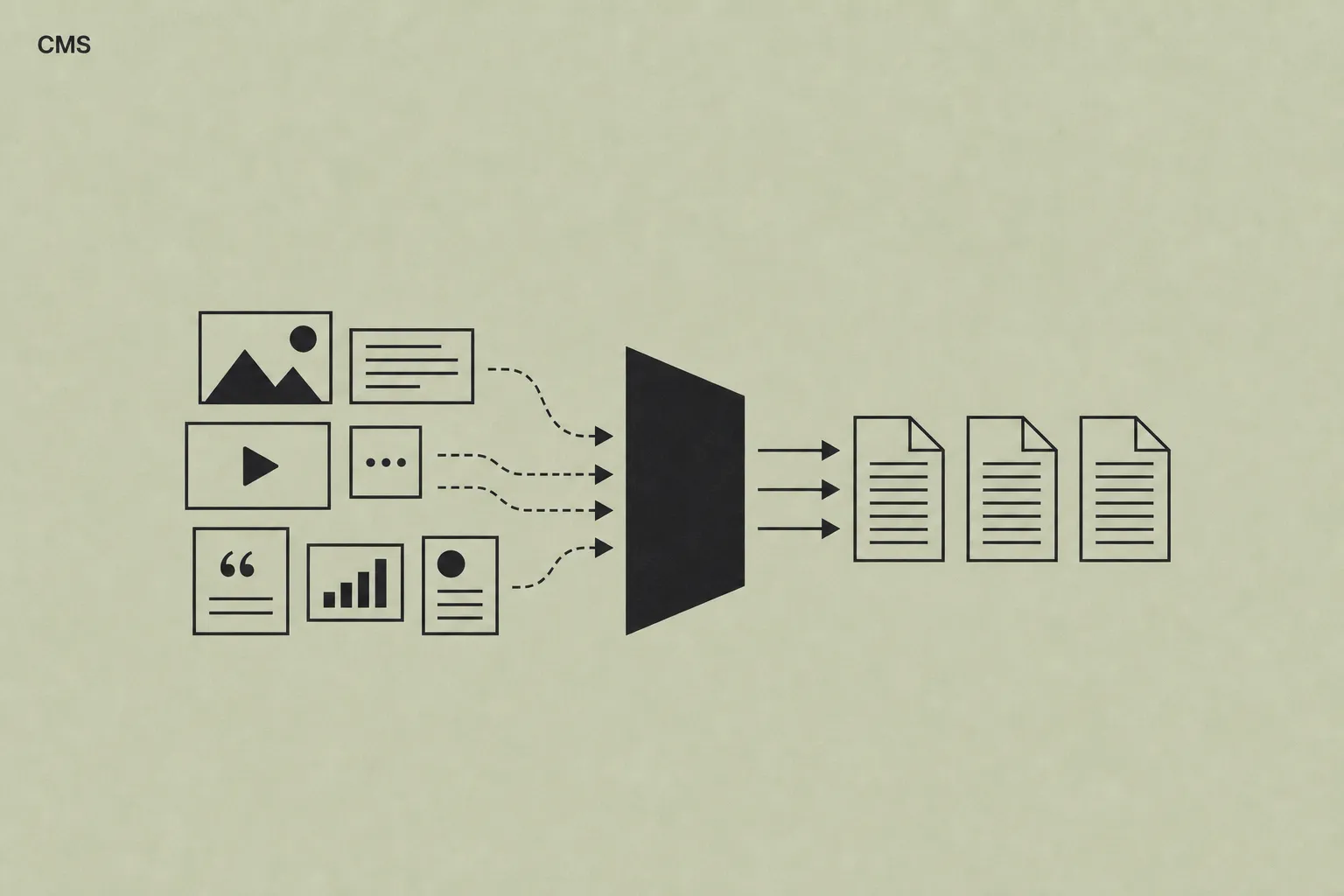 Company CMSCMS for companies: what marketing teams really needHow to evaluate a company CMS when the website has to stay manageable, brand-consistent and useful for marketing teams. With a practical starting model.↗