WordPress or Webflow for a company website?
A WordPress site starting to weigh you down, or a Webflow quote on the table and doubts about trusting it? There is no absolute winner: only the right platform for how your team works. We compare maintenance, real costs and autonomy — by the end you will have a criterion, not an opinion.
- Topic
- WordPress and Webflow
- Read
- 7 min
- Author
- Stefano Fresch
- Updated
- Learn more
- WordPress to Webflow Migration ↗

Key points.
- 01
The choice depends on maintenance, governance and site type.
- 02
WordPress's real cost is operational; Webflow's is in the initial project.
- 03
Webflow often fits marketing-led sites with a carefully designed CMS.
01
WordPress is flexible, but needs governance
Let's start with the incumbent. WordPress powers half the web and can do almost anything, often through themes and plugins. That flexibility is its strength — and, over time, its bill to pay: dependencies, fragile updates, performance that is hard to control.
Because the real cost of WordPress is not the licence (the software is free): it is the day-to-day operations. Hosting to manage, core, theme and plugin updates to test, backups, security. A company WordPress site neglected for a year is statistically a site at risk — most compromises come through outdated plugins.
That said, it remains a good choice when you need specific plugin ecosystems, deeply custom logic or complex editorial workflows — and when someone actually owns the maintenance, in-house or under contract. If those limits outweigh the benefits, we compared the WordPress alternatives case by case.
Check yourself
- 01Who updates core, theme and plugins — and when did they last do it?
- 02Who owns backups and security, and how often?
- 03Which plugins are truly essential to how you work?
02
Webflow reduces maintenance friction
On the other side of the table, Webflow starts from a different promise: less operational overhead. Crafted pages, visual CMS, managed CDN hosting — no plugins to update, no security patches, no backups to organise. The platform handles it.
On speed, an honest clarification: Webflow is not automatically faster than WordPress — a well-optimised WordPress can fly. But it removes the most common causes of slowness: heavy page builders, stacked plugins, cheap hosting. It is much harder to end up with a slow site by accumulation.
Its limit? It needs to be designed well from the start: an improvised CMS makes even Webflow rigid. And for deeply custom needs — complex gated areas, advanced e-commerce, deep integrations — the perimeter should be verified before the project, not discovered during it.
Check yourself
- 01Is your website mostly communication, or mostly application?
- 02Would the CMS be modelled on your real content, or improvised?
- 03Do you have someone to run hosting, or does it need to be managed?
03
The real cost comparison
Let's put the numbers side by side, because this is where the comparison gets decided. WordPress: quality hosting €20–60 per month, premium plugins, and the line item nobody quotes — maintenance. A professional contract starts around €100–300 per month; the alternative is risk, or someone's internal time.
Webflow: hosting 20–40 dollars per month for a CMS site, routine maintenance close to zero. The cost concentrates in the initial project — which has to be done well, because that is where the system's quality is decided.
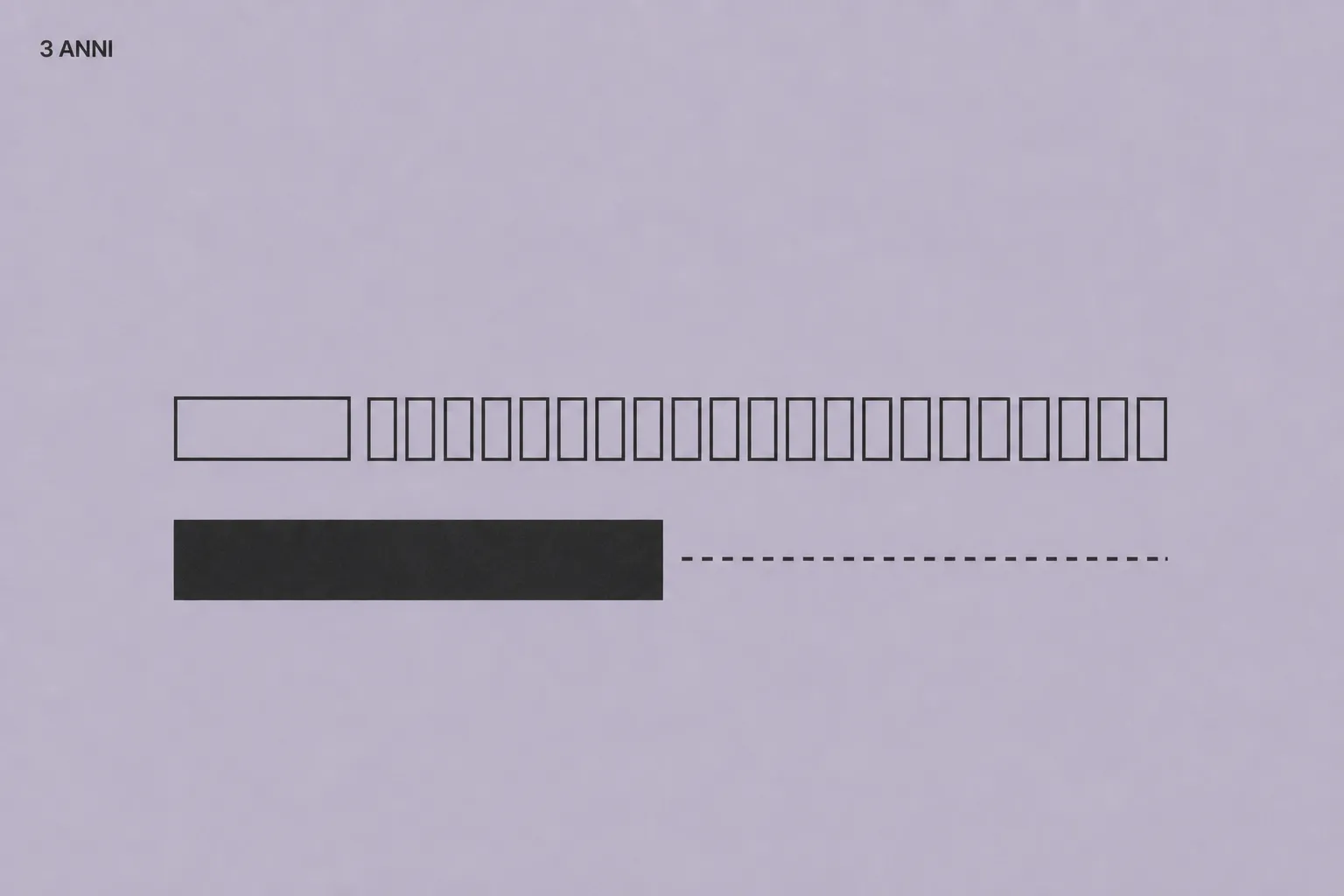
Adding it up over three years, for a marketing-led site the totals are similar or lean towards Webflow. The real difference is where the money goes: into routine upkeep, or into the project and its evolution.
Check yourself
- 01What does the site cost you per year, maintenance and internal hours included?
- 02Have you compared both options over three years, not on the quote?
- 03How many internal hours go into the site every month?
04
The practical choice
Let's recap, because you now have all the elements. If the site is mainly communication — services, case studies, content, landing pages — Webflow is usually the more linear path. If it is an application, a marketplace or a system with deep custom logic, WordPress or another stack still makes sense.
If you are undecided, run the twenty-changes test: of the last twenty changes made (or wanted) on the current site, how many were content and how many were features? 18 to 2: you are a Webflow case. 10 to 10: you need a closer analysis.
The point, in the end, is not which platform wins: it is which one reduces friction for your team without sacrificing brand, SEO and performance. And if the answer is to switch, the move needs protecting — the migration without losing rankings is the next guide to read.
Check yourself
- 01Of the last twenty site changes, how many were content and how many features?
- 02Is the site's goal to sell, to publish, or both?
- 03If you migrate, who owns the URL map and the redirects?
How to apply this to your site.
Where to start
- Start from who updates the site and how often: that is the first selection criterion.
- Inventory only the plugins and integrations your team truly needs.
- Estimate maintenance time and cost over the next three years, not only the launch quote.
Mistakes to avoid
- Do not choose the platform out of habit or because the first quote is lower.
- Do not confuse flexibility with sustainability: someone pays for that flexibility every month.
- Do not migrate without a URL map and redirect plan.
FAQ.
Is Webflow always faster?
Not automatically, but it removes many recurring causes of slow WordPress sites. A badly built Webflow site is still slow — it is just harder to get there by accumulation.
When does migration make sense?
When the site is mostly marketing and content, and maintenance has become operational friction. It does not make sense when the site depends on plugins or logic Webflow does not cover.
Can we keep our blog when moving to Webflow?
Yes. The blog becomes a Webflow CMS collection, and article URLs can be kept or 301-redirected. Articles that drive organic traffic should be mapped one by one before migrating.
How much does a WordPress to Webflow migration cost?
It depends on pages and templates. A migration with redesign for a typical company site starts around €5,000–7,000; the SEO work (URL map, redirects, checks) is a named line in the quote, not an optional extra.
Bring it to your website.
These resources reflect how we work. If this topic touches your website, tell us where you are: a 30-minute call is enough to see if and how we can help.
Keep reading.
- ↗
 WordPress and WebflowWordPress alternatives: what to choose for a company websiteWordPress alternatives for company websites, compared honestly: Webflow, Framer, Squarespace and headless CMS. Real costs, maintenance, SEO and how to choose.↗
 - ↗
 MigrationMigrating from WordPress to Webflow without losing SEOSEO checklist for moving a site from WordPress to Webflow: URLs, 301 redirects, content, sitemap, canonicals, typical mistakes and post-launch checks.↗
 - ↗
 Company CMSCMS for companies: what marketing teams really needHow to evaluate a company CMS when the website has to stay manageable, brand-consistent and useful for marketing teams. With a practical starting model.↗