Modern company website: structure, CMS, brand and SEO
When did your sales team last send the website link to a prospect with pride? If you hesitate, this guide is for you: a modern company website must clarify positioning, support sales, give the team autonomy and stay readable for Google and for AI.
- Topic
- Company website
- Read
- 7 min
- Author
- Stefano Fresch
- Updated
- Learn more
- All services ↗
Key points.
- 01
Site architecture should reflect positioning, offer and sales process.
- 02
Every page needs a next step: that is where SEO and sales converge.
- 03
Brand, SEO and UX should converge in one structure.
01
Structure before visuals
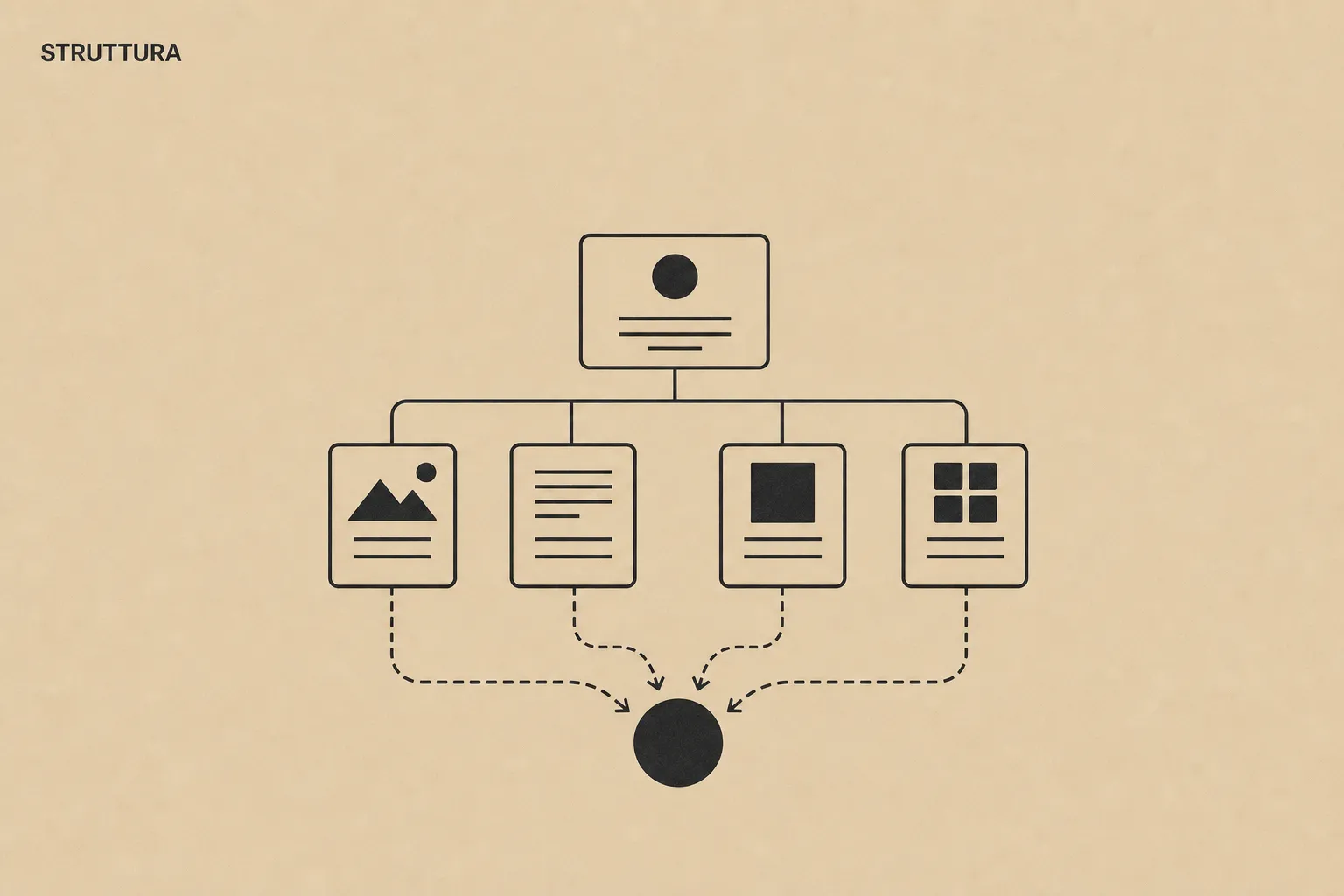
The first instinct, when redoing a website, is to talk about design. Resist it, at least at first: most company websites that don't work have a structure problem, not a visual one. Homepage, services, projects, about and resources must answer different questions; if every page repeats the same message, the site helps neither the visitor nor Google.
The test we apply to every architecture is simple: for each page, which visitor question does it answer? “Do you also do X?” is a service page. “Have you done this for companies like mine?” is a case study. “Who am I trusting?” is the about page. If two pages answer the same question, one is redundant.
Do it on your site, right now: for every menu item, write down the question it answers. Wherever you can't phrase one, you have found your first problem to fix — and it didn't take a redesign to find it.
Check yourself
- 01Does every page answer a different visitor question?
- 02Within ten seconds, is it clear what you do, for whom and why you?
- 03Are two pages saying the same thing? One of them is redundant.
02
The CMS supports growth
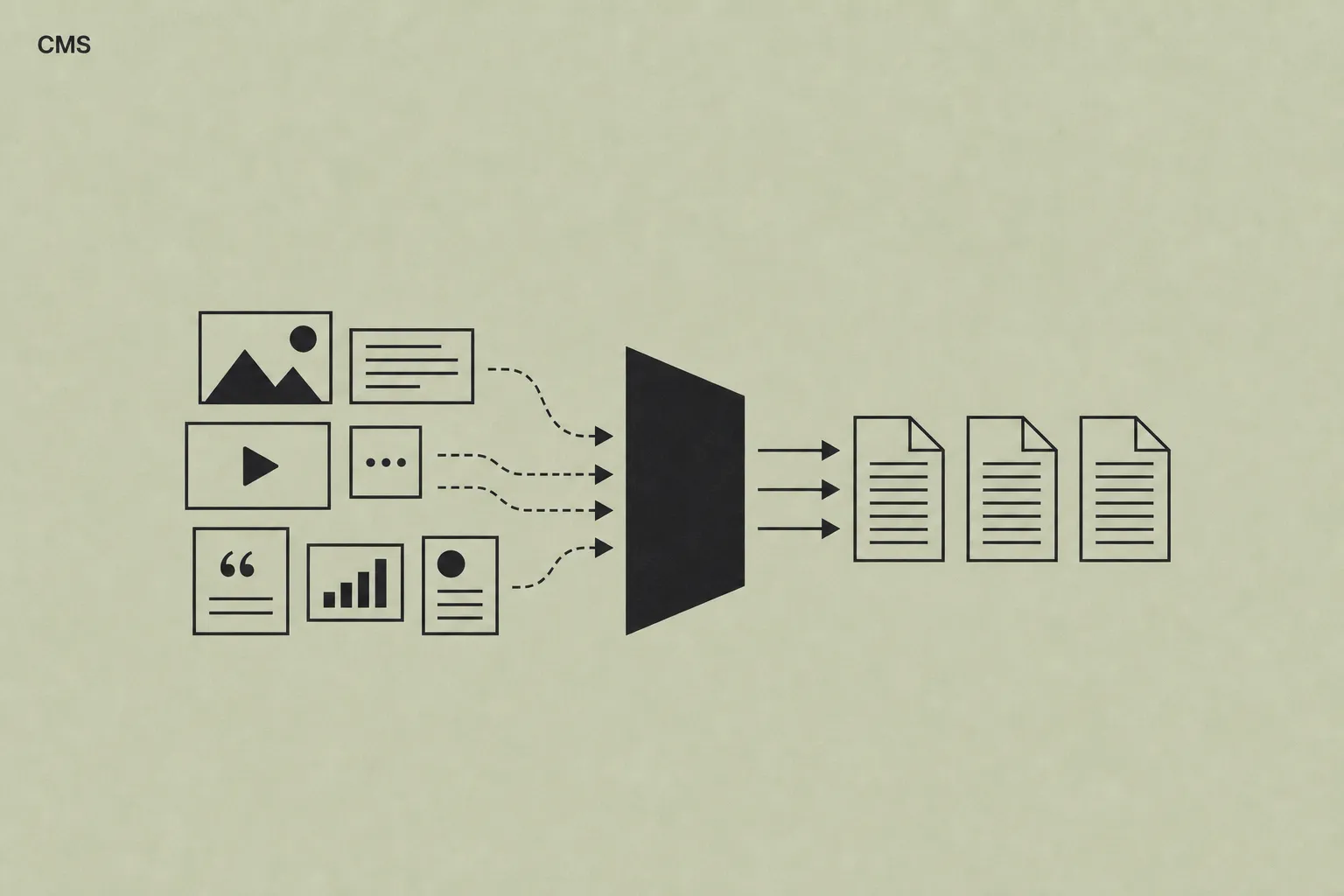
Structure sorted — but a company website is never finished: new services, case studies, resources, campaigns keep arriving. So the second question is: can your site grow without calling someone every time?
Without a CMS, every evolution becomes maintenance. With a badly modelled CMS, every piece of content becomes clutter. The difference is all in the modelling — which collections, which fields, which references — and we covered it in detail in our guide on company CMS.
There is one unmistakable sign the current setup has failed: the team stopped updating the site. When publishing is painful, content migrates to LinkedIn and sales decks, and the website stays frozen at launch date. If that sounds familiar, the problem is not your team's laziness.
Check yourself
- 01Does adding a service or case study take minutes or days?
- 02Is the team still publishing, or did they stop because it's a struggle?
- 03Do SEO and social previews have dedicated CMS fields?
03
Every page needs a next step
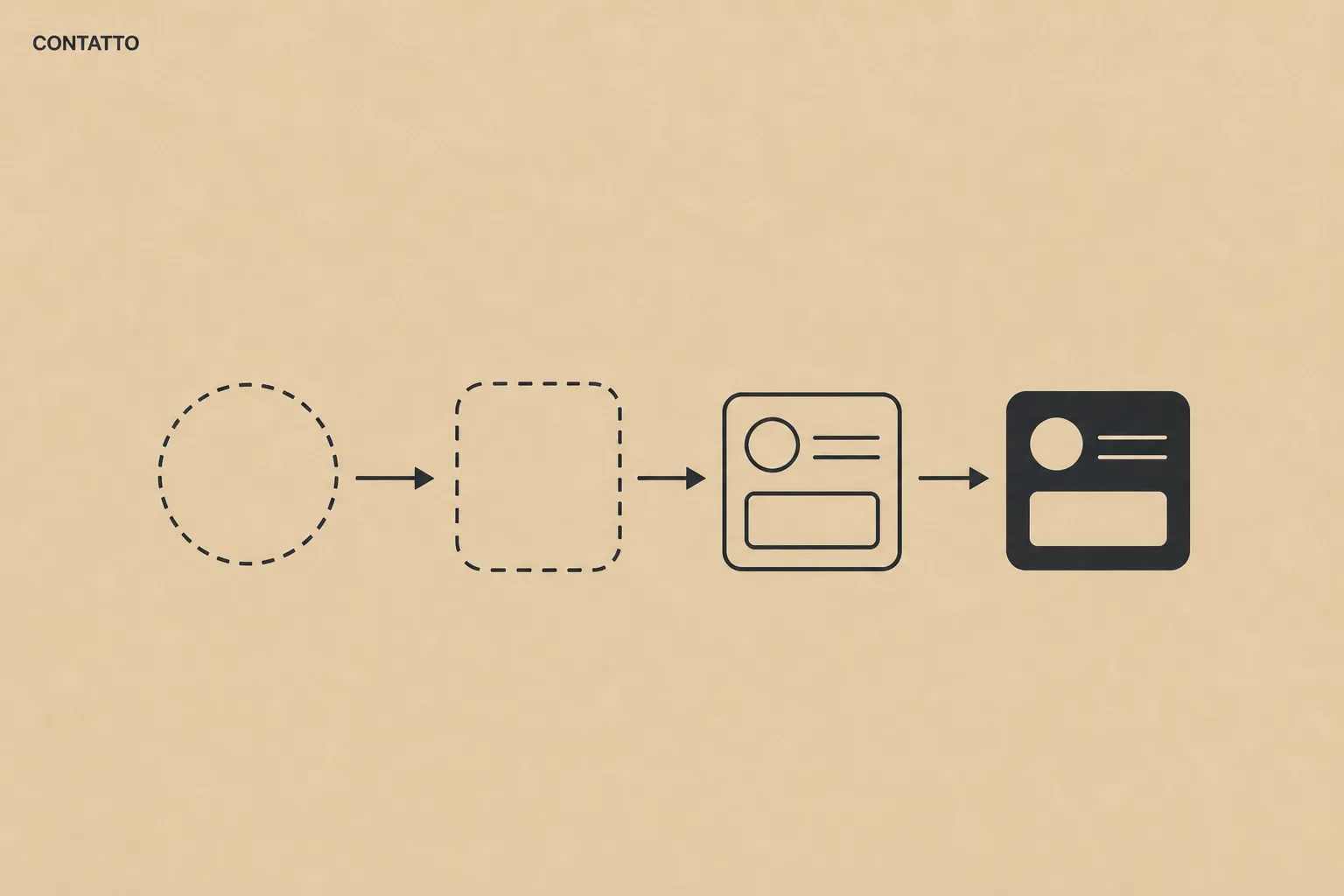
Now the part that connects the website to revenue. A company website that sells does not ask for contact only on the contact page: every page offers the most natural next step — from a service to the relevant case study, from the case study to a contact request, from a guide to the related service.
This is where SEO and sales converge: the pages that attract organic traffic — usually guides and resources — must lead naturally to the pages that convert. A blog that leads nowhere produces visits, not enquiries.
And change how you measure success: not traffic, but the path. How many people move from a resource to a service page? How many contact requests mention something read on the site? Smaller numbers, much closer to revenue.
Check yourself
- 01Can readers reach a service from every guide in one click?
- 02Does every page offer a clear next step?
- 03Do you measure paths to contact, or only visits?
04
SEO and brand are connected
The last piece, the one that holds everything together: the message. Titles, headings, internal links and structured data improve readability — but they only really work when they start from precise positioning.
Look at the difference: a company that calls itself a “Webflow studio for B2B companies” has easy titles, H1s and content, because the perimeter is clear. A company trying to say everything to everyone produces generic pages that rank for nothing.
And there is one more reason to fix this now: a site that is clear for people is clear for answer engines and AI assistants too — the systems that now decide who gets cited, as we cover in AEO and GEO. If you have been taking notes since the structure test, you already have the outline of your next website.
Check yourself
- 01Do title and H1 tell your positioning, or just the topic?
- 02Do services and case studies link to each other?
- 03Does the schema markup describe content that actually exists on the page?
How to apply this to your site.
Where to start
- Give every page one visitor question to answer: services, proof, resources or contact.
- Connect each page to the most useful next step for the reader.
- Validate the structure with your real content, not placeholder text.
Mistakes to avoid
- Do not ask the homepage to say everything: distribute the message.
- Do not publish service pages without proof or related case studies.
- Do not publish resources that do not lead anywhere.
FAQ.
How many pages does a company website need?
Usually homepage, one page per core service, proof or projects, about, contact and resources when SEO matters. For a typical B2B company that is 10–25 pages at launch, plus CMS content growing over time.
When should a company redesign?
When content, positioning or internal workflows no longer match how the company sells. Practical signs: sales stopped sending the website link to prospects, the team stopped updating it, or campaign pages simply do not exist.
How much does a well-made company website cost?
For a marketing-led company site with CMS, custom design and a solid SEO base, a realistic market range is €5,000–20,000 depending on pages, content and complexity. Below certain thresholds you are usually buying an adapted template.
How long does a company website project take?
A complete project — strategy, design, development, content and technical SEO — typically takes 4–8 weeks. The variable that stretches timelines most is not design or development: it is the content the company needs to validate.
Bring it to your website.
These resources reflect how we work. If this topic touches your website, tell us where you are: a 30-minute call is enough to see if and how we can help.
Keep reading.
- ↗
 Company CMSCMS for companies: what marketing teams really needHow to evaluate a company CMS when the website has to stay manageable, brand-consistent and useful for marketing teams. With a practical starting model.↗
 - ↗
 WordPress and WebflowWordPress or Webflow for a company website?A practical comparison between WordPress and Webflow for company websites: maintenance, real costs, marketing teams, CMS, security and performance.↗
 - ↗
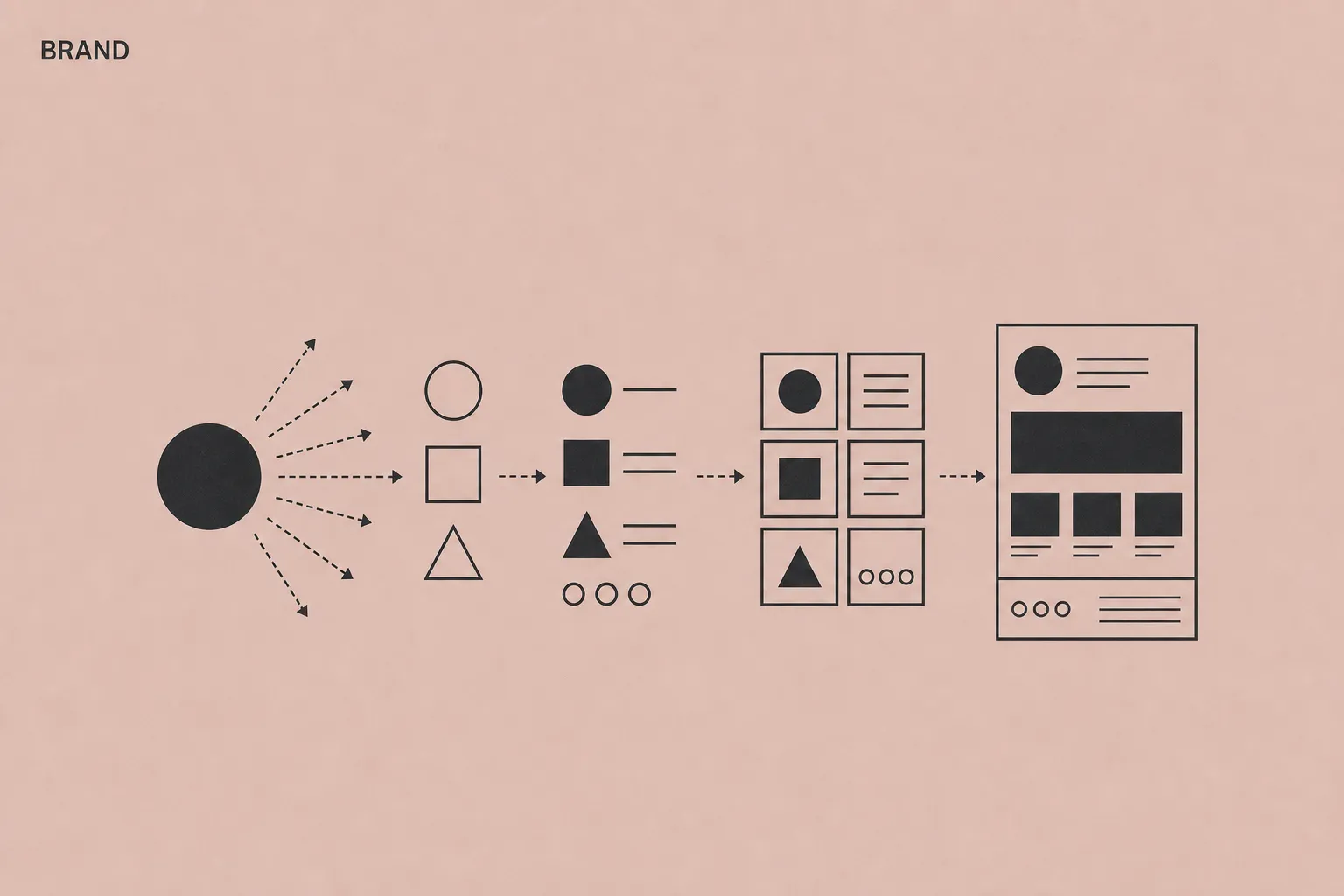 BrandBrand identity and website: why they should not live separatelyWhy brand identity and website should be designed together: an operational visual system, components, microcopy and consistency you can see.↗